
Translated from Simplified Chinese by AI.Read the original
A long time ago I was already thinking about the network layout for the new house. At first I planned to use AC+AP to cover the whole home, but later I found that this wasn’t very cost-effective, and there weren’t any suitable WiFi 6 AP panels available at the moment, so I turned my attention to Mesh routers.
I did quite a bit of research and learned that ASUS’s AiMesh wasn’t good to use. Then I saw an article recommending the LINKSYS VELOP series routers, saying its roaming was good, so I made up my mind and bought the VELOP MX8400 (MX4200*2 bundle).
But I never expected this thing to be such a terrible experience—so bad it cured my low blood pressure.
Actually, I already had a bad feeling as early as when I downloaded its APP:
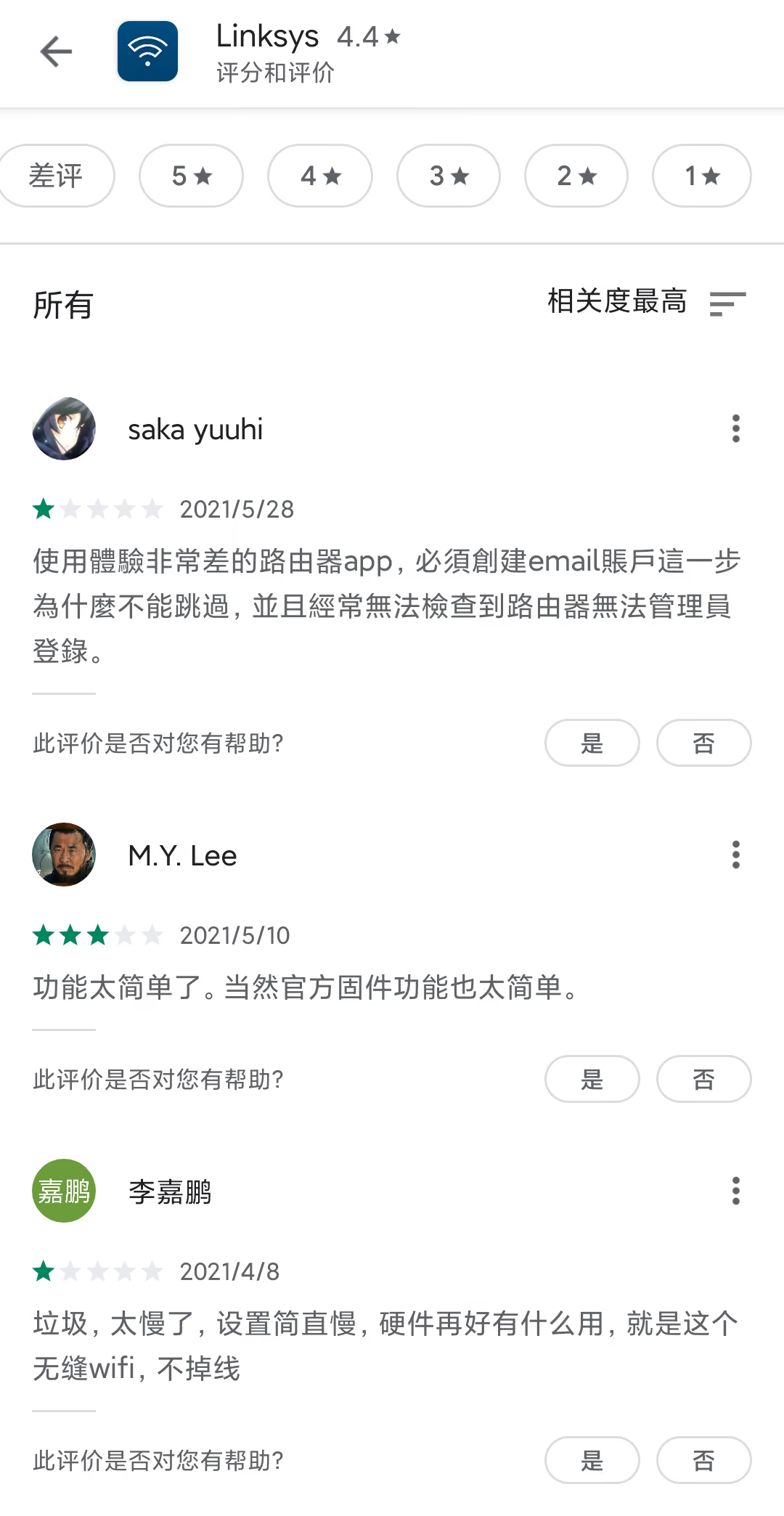
At first, seeing so many bad reviews, I just thought they didn’t know how to use it, and didn’t take it seriously (
Later I realized the clown was me.
VELOP’s connection method is very bizarre: it clearly has WiFi right there, but instead of using it, it insists on adding a Bluetooth module to discover devices.

During the network setup stage, not only could it not reboot automatically and made me unplug the power cord, but after unplugging it also made me wait for “completely disconnected from the ISP,” and then wait two minutes before plugging the power cord back in. Bizarre move*2
In the end it told me it couldn’t connect and asked me to enter the dial-up details. I was like, you didn’t say that earlier (though it might also have been my mistake).
After stumbling through it, I could finally start setting up the second router. I tried several locations on the second floor and it wouldn’t connect to the main node, even though my phone connected to the main router’s WiFi and showed a rate of 200+ Mbps. In the end, it only connected when I put it on the stairs. I don’t know whether the VELOP is too picky about signal or my floor slabs are too thick.
I also ran into a weird problem when testing wired backhaul: it just wouldn’t find the node. I was like, you two are already plugged together with an Ethernet cable—how can you still not find each other? Later I searched online and found out that apparently you can’t have the Ethernet cable plugged in while adding it; you can only plug it in after adding. Because of this alone, I spent ages messing around in a 30+°C storage room.
On top of that, the setup process has all sorts of things that make you wait:
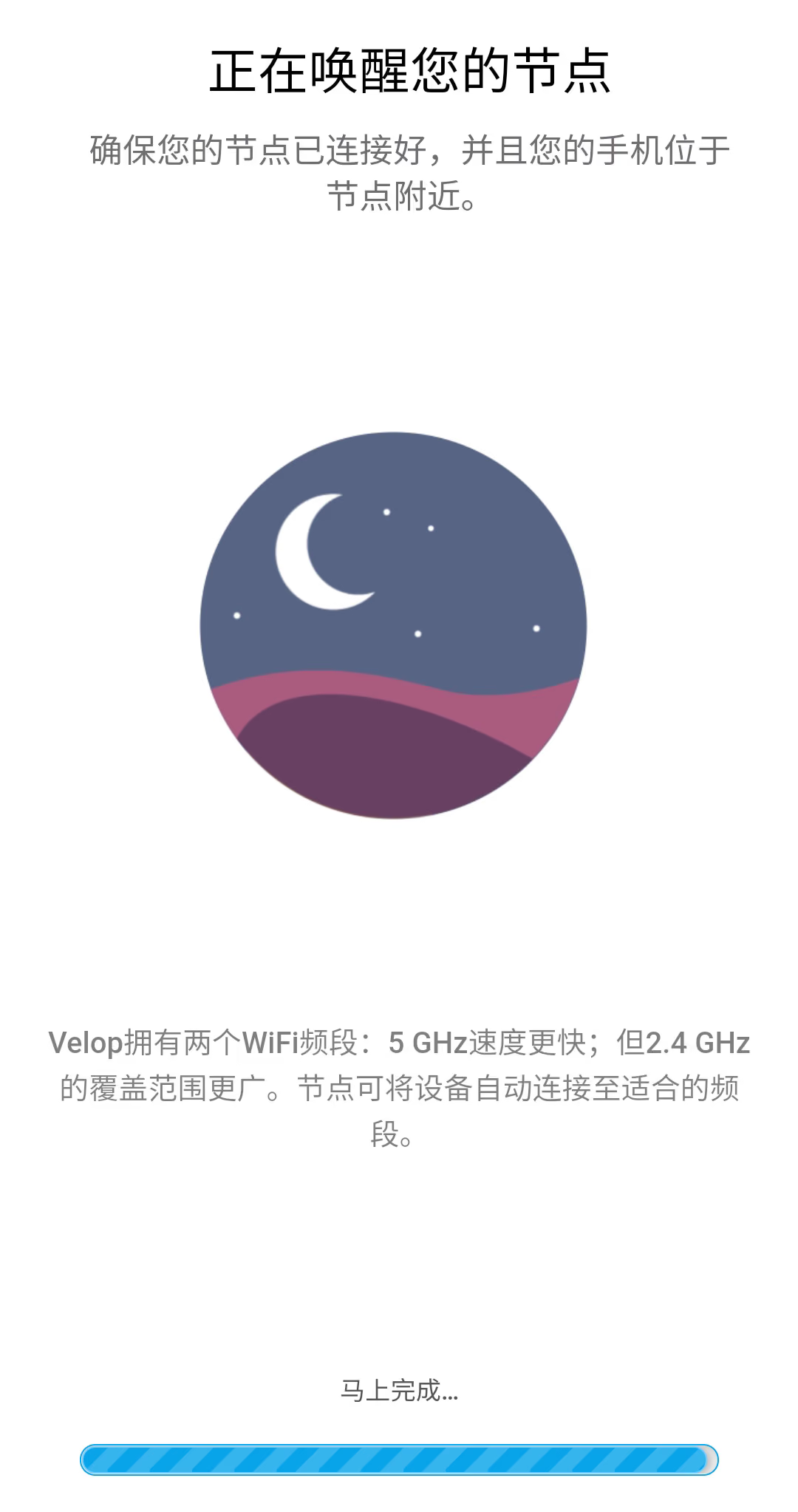
The LINKSYS APP really takes the placebo effect to a whole new level. As shown above, it says “finishing up soon…,” but what you get after waiting is a request to check the indicator light and try again.
If something goes wrong, just tell the user! Why make me spend several minutes waiting while you try random things?
There’s the same problem when setting up a child node:
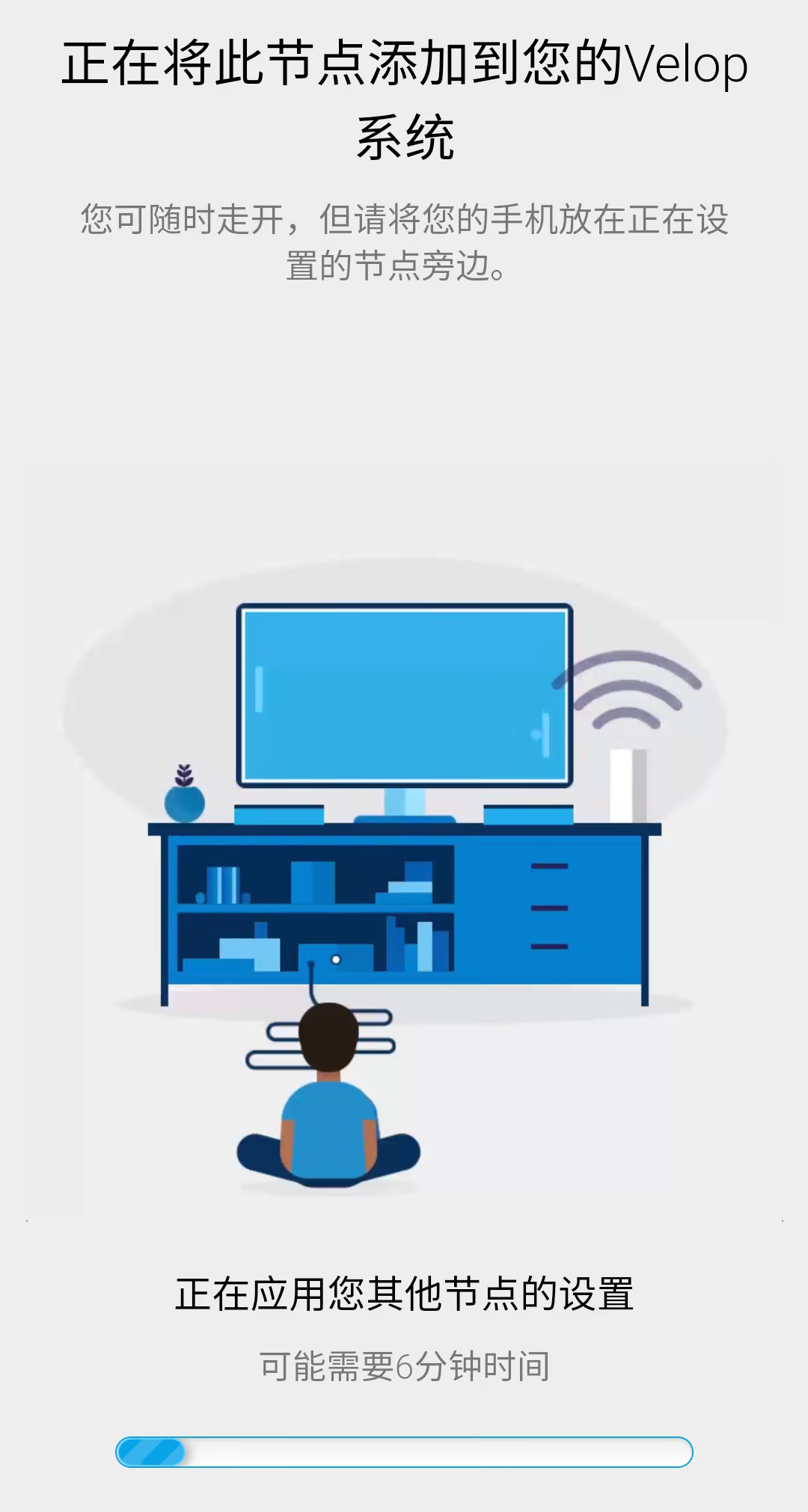
You really have to wait 6 minutes—a solid 6 minutes!
And then it tells you the signal is bad and asks you to move it:
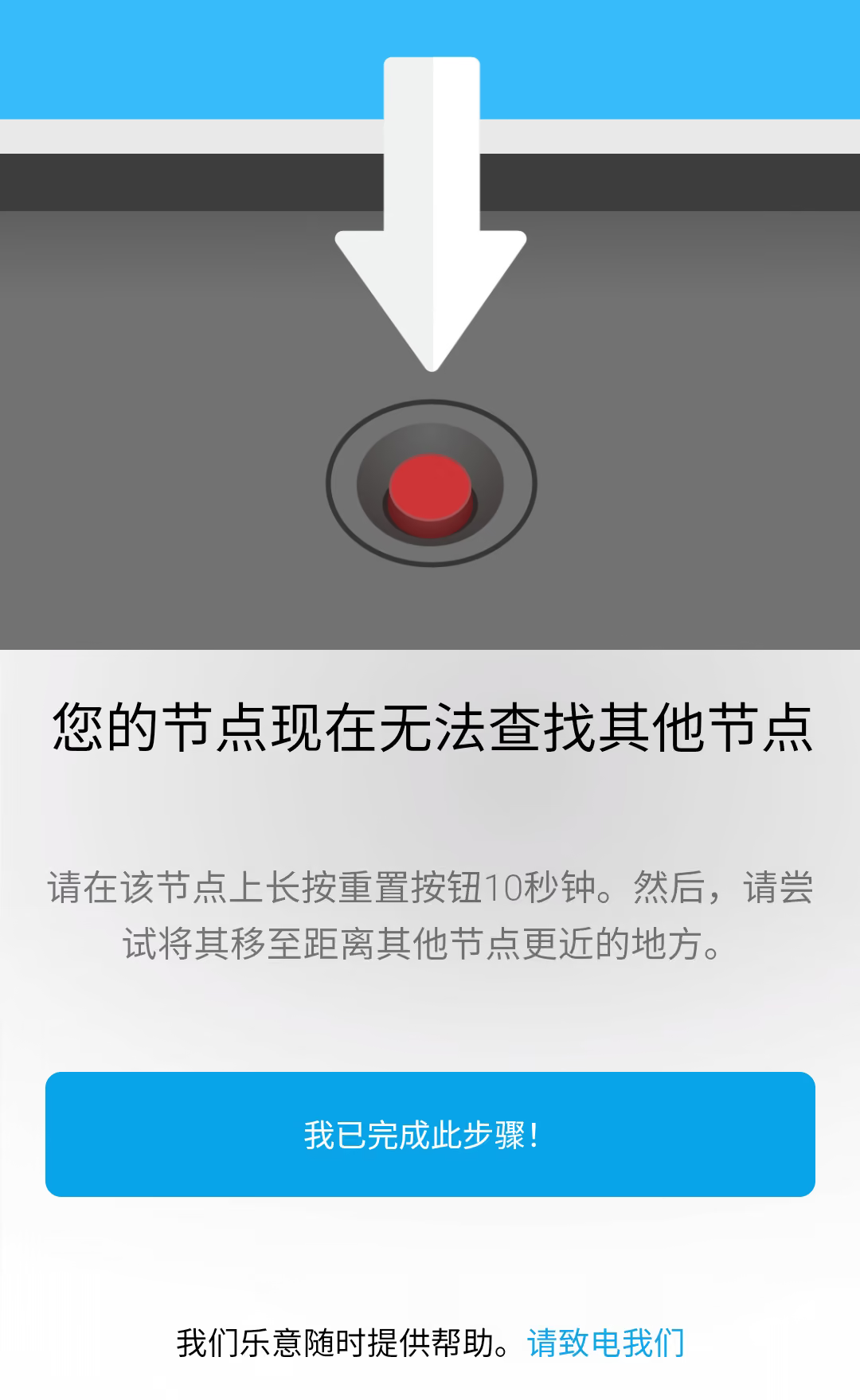
But does it really take 6 minutes to judge signal strength?
Later I really couldn’t stand this APP anymore, so I decided to check out the web admin panel.
The web admin panel has as few features as the optical modem the telecom company gives you when you install broadband. I read online that to get into advanced settings you have to modify the URL yourself—anyway, it’s pretty troublesome.
Few features would be one thing—when buying a hardware router, you’re still after stability, right? Otherwise you’d just buy a software router. But not only does it have few features, it’s also ridiculously slow:
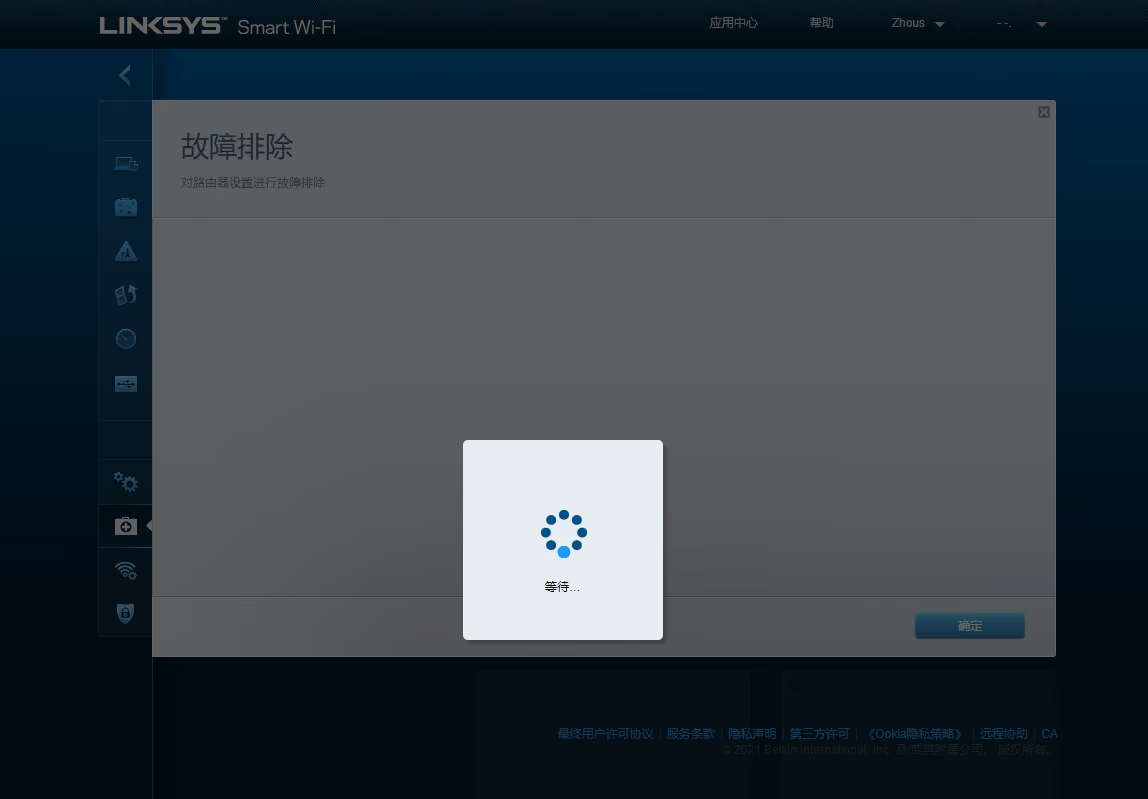
Just wait it out.
And after you wait several minutes, it still might not load—same damn behavior as the APP.
Adding a child node on the web page also has problems: I press the button, the button goes gray, and then there’s no response.
It arrived at 10:30 this morning. It took me nearly 4 hours, and in the end I couldn’t take it anymore and returned it, as shown in the header image.
I’m probably never going to buy a LINKSYS product again in this lifetime.