
Translated from Simplified Chinese by AI.Read the original
Cute stickers often show up in group chats. When you tap in and get ready to add one, there’s a very good chance you’ll run into “sticker expired,” like the title image..
But in fact, these stickers still exist in QQ. QQ just restricts you from adding them in some mysterious way.
Steps
By capturing packets with Fiddler, I found that every sticker has an ID:
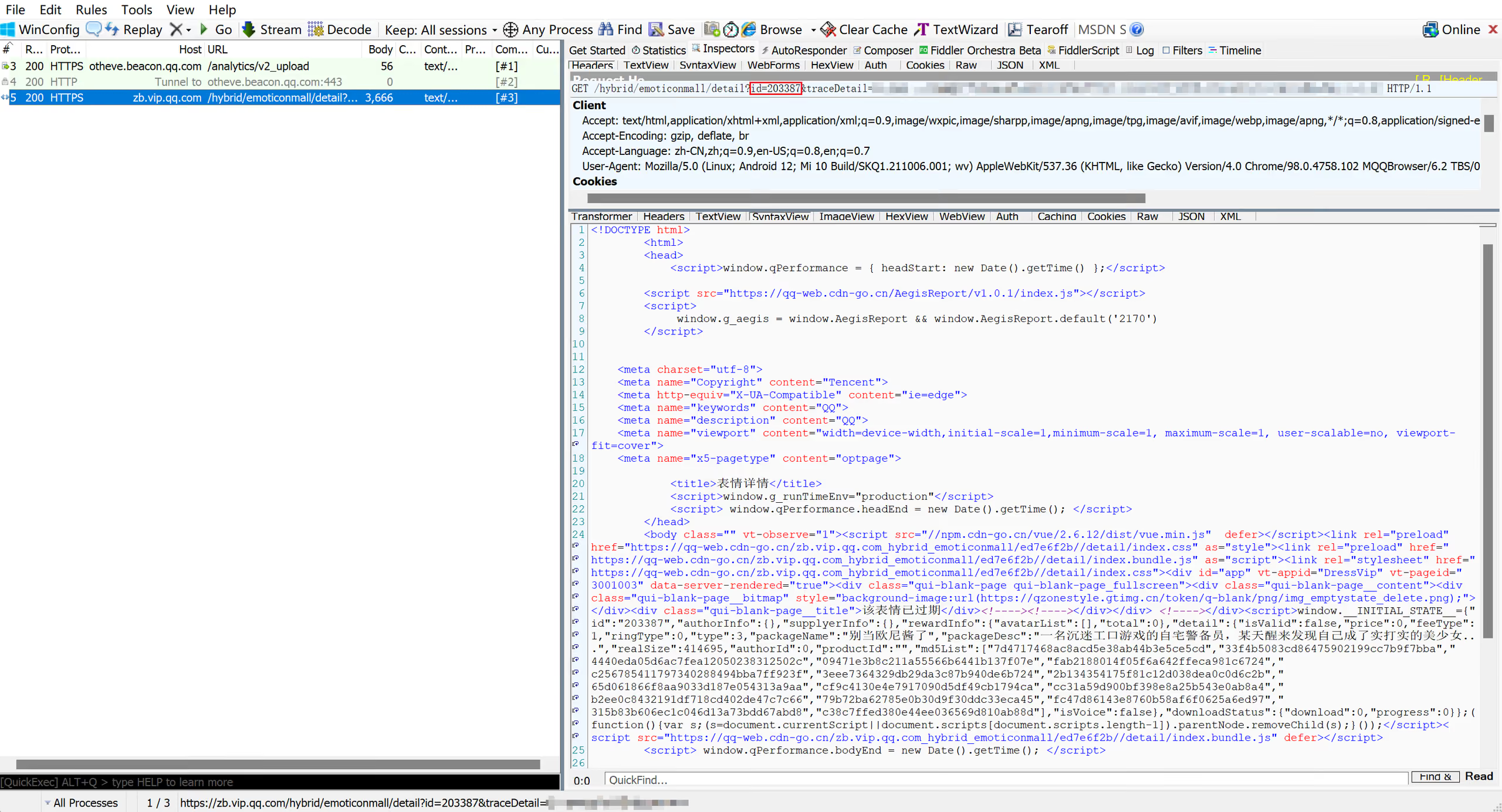
Then add a normal, non-expired sticker, and you can capture a request like this:
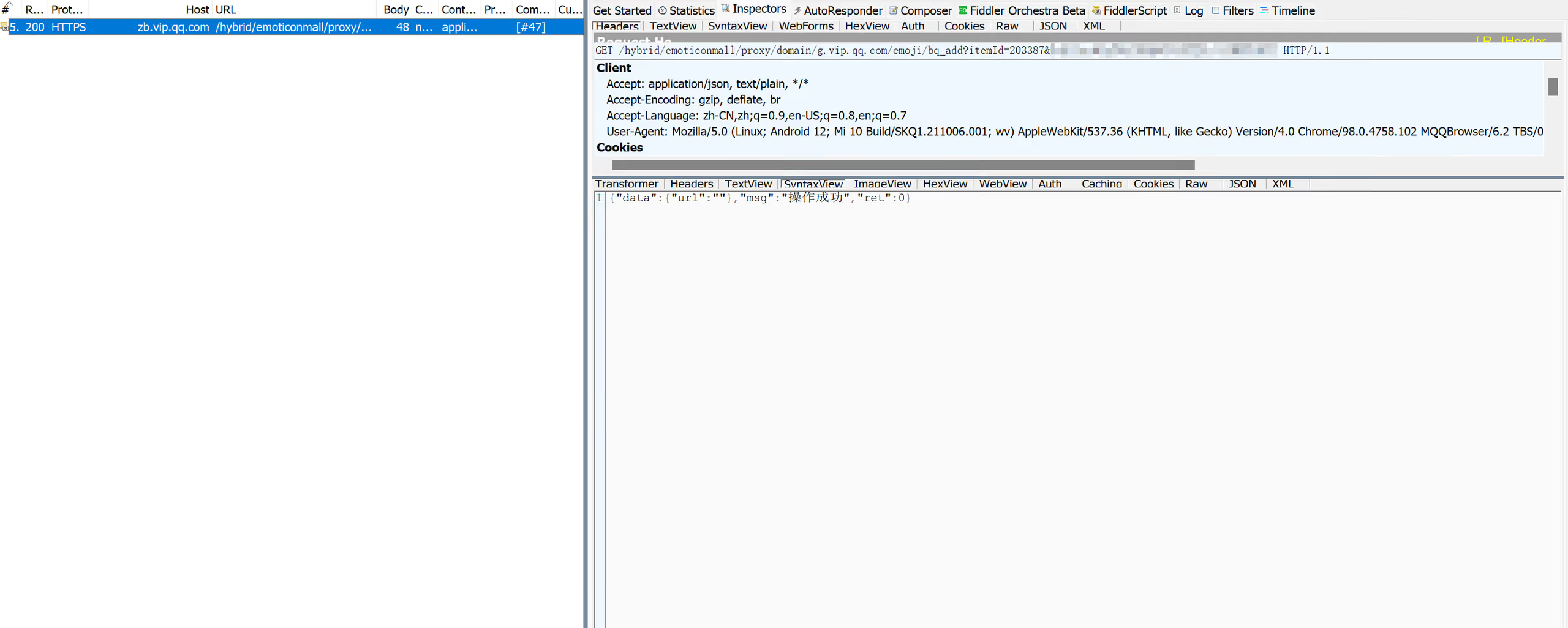
bq_add—the name is so self-explanatory..
So the steps are:
- Capture the
itemIdof the expired sticker - Add a non-expired sticker on mobile QQ, intercept the request above with Fiddler, and change
itemIdto the expired sticker’sitemId - Clear mobile QQ data, then open it again, and the expired sticker will be added to your QQ ( ̄︶ ̄)↗
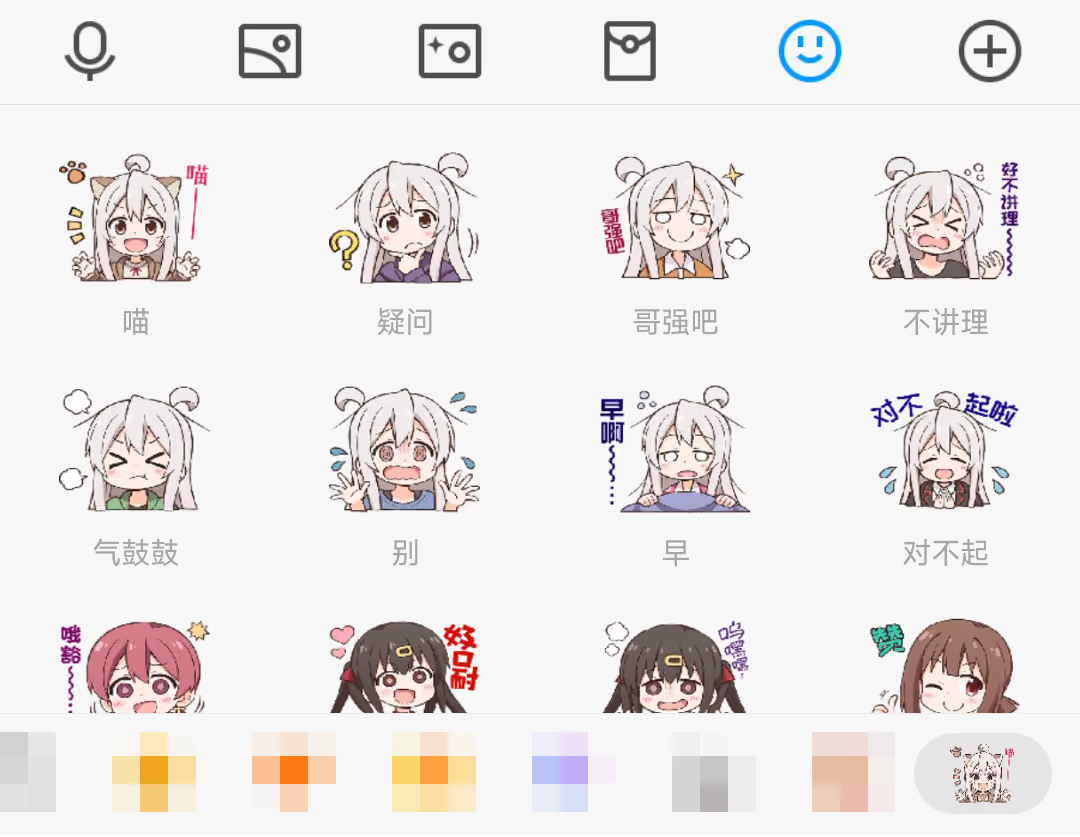
Also, thanks to 神楽坂 琥珀 for reposting so many cute stickers (unfortunately the creator’s account was wiped by Tencent
Appendix: Intercepting and Modifying Requests in Fiddler
Enter this in the QuickExec box in the lower-left corner:
bpu /hybrid/emoticonmall/proxy/domain/g.vip.qq.com/emoji/bq_addOn mobile QQ, tap to add a sticker, find the intercepted request in Fiddler, change itemId in the URI to the itemId of the expired sticker you want to add, then Run to Completion